
PlanetTivi – Global TV & Streaming

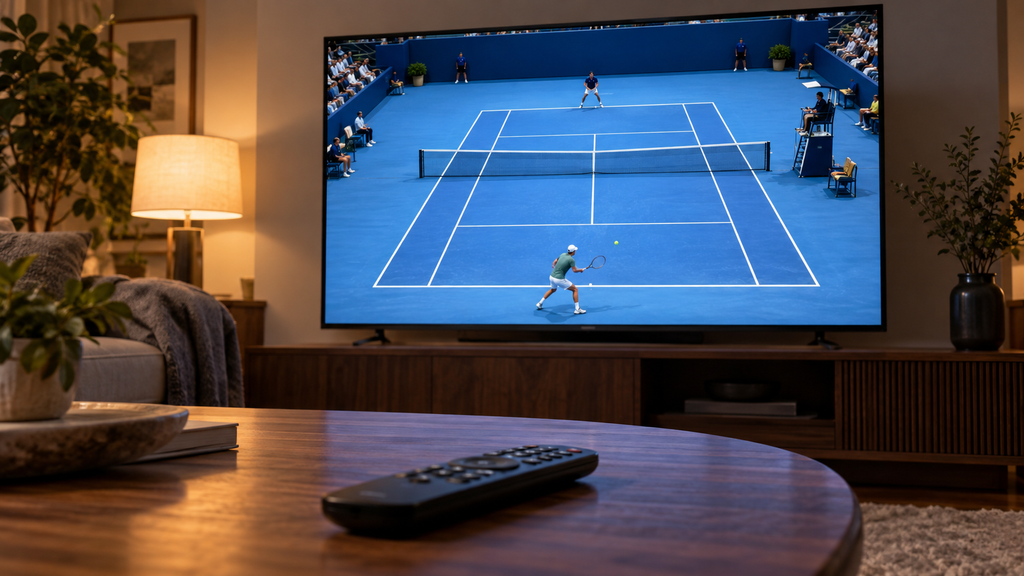
4K vs Full HD IPTV: What Really Makes a Better Picture?

You open a channel labelled 4K, expecting a spectacular picture. The scenery looks detailed, but the moment the camera moves, something feels wrong. You switch to the Full HD version and find it more comfortable to watch. How can that happen? Resolution is only one part of picture quality. The original broadcast, frame rate, compression and display settings all influence what reaches your eyes. Understanding those differences helps you choose the best available feed for a film, a match or everyday television. 1. What does 4K actually tell you? For home television, 4K UHD normally means 3840 × 2160 pixels,
Why Is IPTV Live TV Delayed? How to Reduce Lag During Live Sports

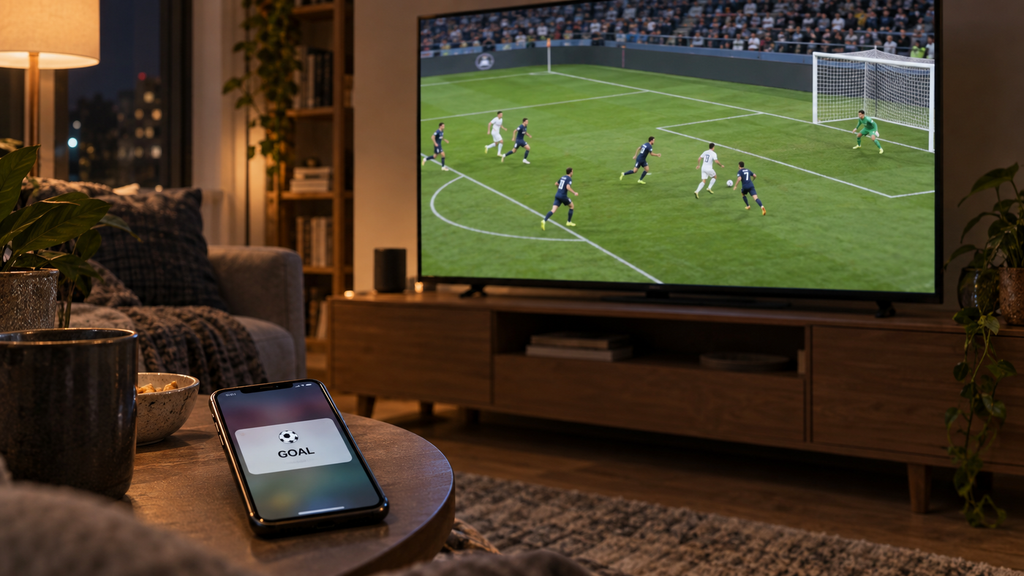
Your phone announces a goal. On your television, the ball has not reached the penalty area yet. The picture looks sharp, the sound is clear, and nothing is buffering. So why are you behind? This is live streaming latency: the time between an event happening and that moment reaching your screen. Understanding where the delay comes from helps you choose useful adjustments instead of changing settings at random. Where does the delay come from? A live picture passes through several stages before you watch it. The broadcaster captures and processes the video, an encoder compresses it, and streaming systems prepare

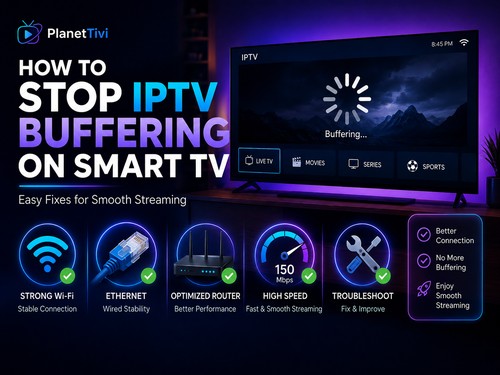
How to Stop IPTV Buffering on Smart TV – 18 Easy Fixes (2026)

IPTV keeps buffering or freezing? Discover 18 proven ways to stop IPTV buffering on Smart TV, Android TV and Google TV and improve streaming quality.   Buffering happens when your television cannot receive video data fast enough to continue playback smoothly. The most common causes include: Before changing applications or devices, it is important to identify where the problem comes from. 1. Check Your Internet Speed The first thing you should check is your internet connection. Streaming requires a stable connection, especially for HD, Full HD and 4K content. As a general guideline: SD: around 5 Mbps HD: around 10

The Best IPTV Apps for Android TV

Discover the best IPTV apps for Android TV in 2026. Compare TiviMate, Sparkle TV, Televizo and Smarters Pro for EPG, M3U, Xtream Codes, recording and more. Looking for the best IPTV app for Android TV? With so many IPTV players available, choosing the right one can be difficult. Some applications focus on simplicity, while others offer advanced features such as EPG, catch-up TV, recording, multiple playlists, parental controls and multiview. In this guide, we compare some of the best IPTV players for Android TV in 2026 to help you choose the application that best matches your needs. Important: IPTV player

How to Install IBO Player on Samsung TV

Installing IBO Player on a Samsung TV normally takes only a few minutes. Step 1 – Connect Your Samsung TV to the Internet Before starting, make sure your Samsung Smart TV is connected to the internet. You can use either: Wi-Fi or Ethernet cable For streaming, a wired Ethernet connection can provide a more stable connection when available. Step 2 – Open Samsung Smart Hub Turn on your Samsung Smart TV. Press the Home button on your Samsung remote control. Depending on your television model, you should now see the Samsung Smart Hub or Home interface. Navigate to: Apps or

Scroll to Top